Spirit Toolkit: Facilities and Equipment.
26 September, 2024
A reminder of the essentials tools to assist you through your studies.
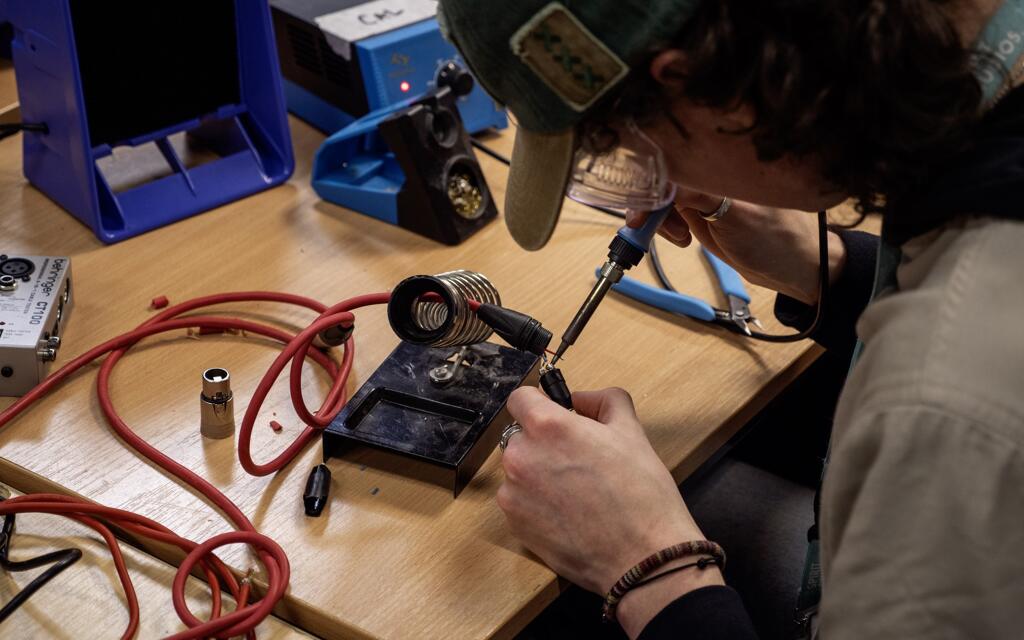
It was great to welcome in all of the new faces last week, we can’t wait for the year ahead. Here’s a recap of some key tools that you’ll need to get you started using the facilities and equipment at Spirit.
Stingray
Access Stingray here or enter https://portal.spiritstudios.ac.uk/login/
Our facilities are our pride and joy. From the DJ Booths to the Charlie Jones Live Venue, each room is carefully designed and maintained to ensure everyone using them has the best experience and can get into a creative flow.
Stingray is your tool to book facilities once you have been inducted, this will largely depend on which course you are studying and which year of study you are in.
The video below will take you through how to access Stingray, logging in, booking a studio and the studio credits system.
If you have any further questions you can speak to you tutors or contact the Technical Support Centre.
Technical Support Centre
Access the Technical Support Centre here or enter https://technicalsupport.spiritstudios.ac.uk/
As we deal with so much advanced equipment and technology, we are bound to encounter technical difficulties. To keep our facilities and equipment in full working order we need to be aware of any faults or issues.
Whether this is a faulty computer mouse or or broken piece or equipment please open a ticket and report it so we can get it fixed as soon as possible.
This will automatically open when you access the internet on a Spirit computer, there are also QR codes in each room you can scan which will take you to the site.
Please try and include as much detail about the issue as possible so the tech team can get it sorted.
Edit Share
This is our internal storage solution designed specifically for media and production environments. This allows you to access files shared for lessons by your tutor, as well as somewhere safe to save your audio projects after a studio session. Each student is allocated 50GB of storage.
There is also a dedicated media space with an extensive catalogue of royalty free samples, accessible to all.
To log in you’ll just need to use your six-digit student ID number (not full email address) and password.
Cheqroom
Access Cheqroom here or enter https://login.cheqroom.com/email
We have a gold mine of audio equipment available in our sign out stocks. To book out equipment you’ll need to make a reservation on Cheqroom.
Username: Your @spiritstudios.ac.uk email address
Password: Your Spirit Studios password
There is a free mobile app for ease of access.
To make a booking you’ll need to state which facility you have booked, ensuring the date and times of your bookings match exactly, then search and select the items you wish to use.
You don’t have to make a reservation in advance, you could use the app at reception prior to collecting the facility key. However as reservations work on a first-come first-serve basis, it’s recommended you book items in advance to ensure they are available for your session.
There are full guides to all of our software and resources on the Technical Resource Hub.
Related articles

Industry course students come together as part of our Collaboration Week

Things to do in Manchester this festive season